


Nokia Ta1033 Frp Bypass Link File
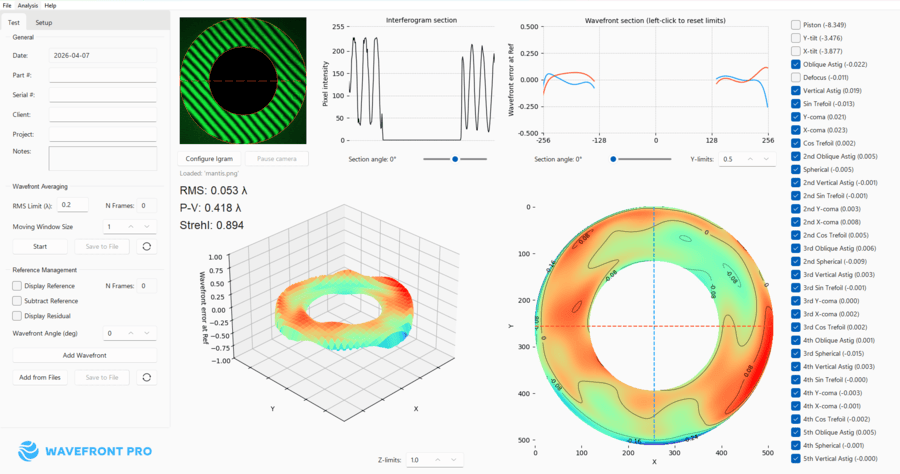
Advanced optical testing software that delivers instant laser interferometry results for optics manufacturers.

Advanced optical testing software that delivers instant laser interferometry results for optics manufacturers.
: Start the device and connect to a stable Wi-Fi network at the setup screen. Access the Browser : Go back to the Wi-Fi selection screen. Tap "Add new network" to bring up the keyboard.
Tap the video play button, then tap the or the Share arrow to open the Chrome browser. Download Bypass Tools:
Search for any contact in your address book and tap on it to add it.
Turn on the phone and reach the Google Lock screen.
Related search suggestions for further reading: I will suggest some related search terms to help you research this topic further.
If manual methods fail, you can use PC software like SamFirm or Easy Samsung FRP Tool (which often works for Nokia) to force the browser to open via a USB cable.
Open your device , go to Security , and deactivate Find My Device / Google Device Manager .
On the "Welcome" screen, tap > TalkBack and turn it on.
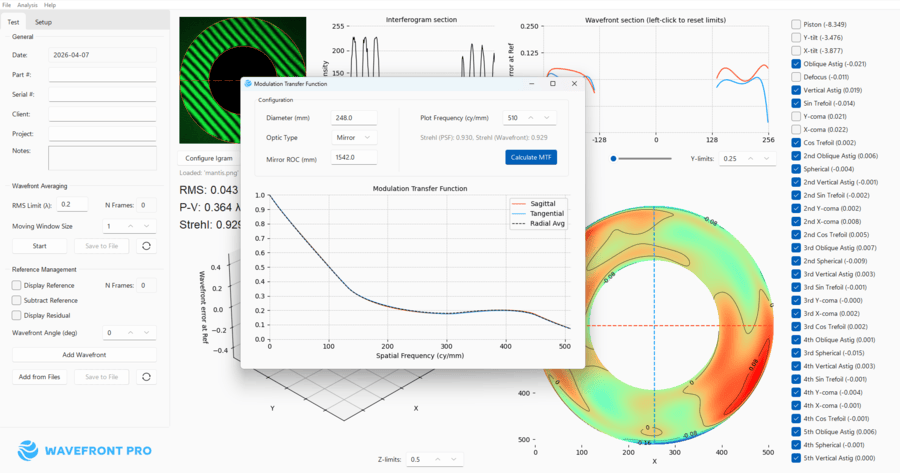
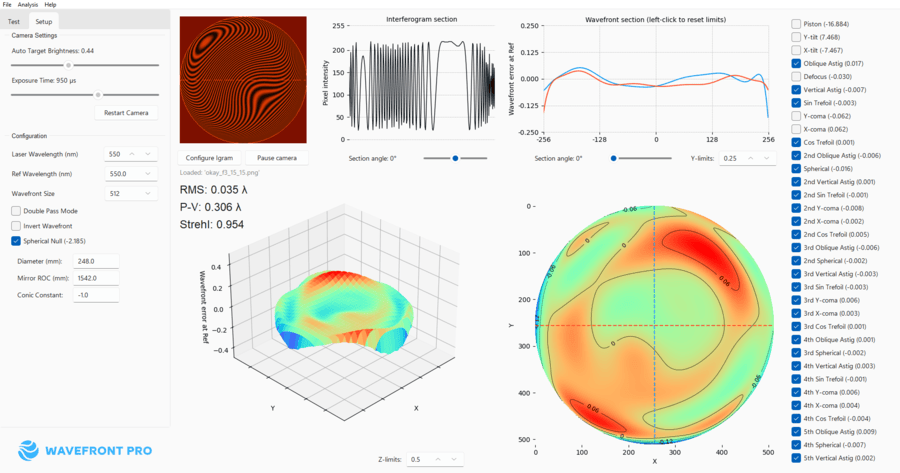
Our wavefront analysis software delivers professional-grade optical testing and laser interferometry at dramatically lower costs with breakthrough speed and ease-of-use.
Complete turnkey solution for $4,000/year vs $50,000+ upfront hardware costs from competitors. Convert existing interferometers with a camera kit, or choose a convenient hardware rental option with zero maintenance costs. nokia ta1033 frp bypass
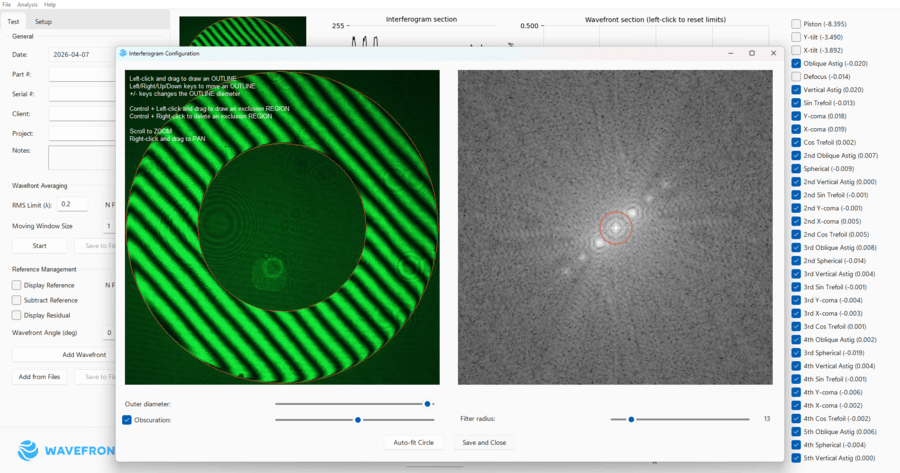
Real-time video eliminate manual camera handling. Simply swap components on your test bench and click auto-fit. Video analysis keeps updating the wavefront continuously. No stopping, no delays. : Start the device and connect to a
Real-time feedback helps students build intuitive understanding of interferometry. Cost-effective lab solution for universities and training programs. Tap the video play button, then tap the
Contact for Educational PricingWatch real-time demonstrations of our optical interferometry software and learn how it transforms optical testing workflows.
Complete demonstration showing hardware setup and software in action.
See More Hardware VideosQuick overview of Wavefront Pro's software features and interface.
See More Software VideosCompare our real-time interferometry solution against traditional methods. See the cost savings, speed improvements, and competitive advantages.
View Detailed ComparisonWavefront Pro software is designed in collaboration with Chromar Technology, a leader in optical system design and testing solutions. Chromar Technology manufactures the high-precision interferometers that provide complete turnkey solutions when combined with our software.
Originally developed for in-house quality control testing of spherical mirrors, the system incorporates decades of experience in optical testing and software development. Choose our turnkey solution for complete hardware+software packages, or use our software with your existing compatible Basler camera setup.
Learn More About Chromar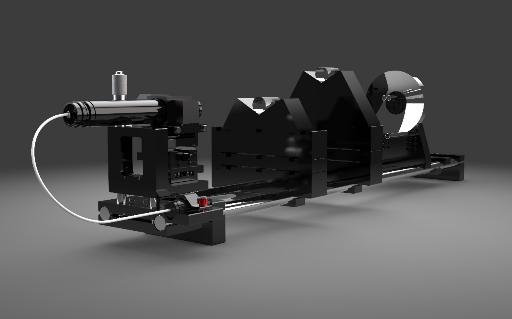
Flexible pricing options to fit your optical testing needs. Choose software-only for existing setups or complete turnkey solutions with hardware included.

: Start the device and connect to a stable Wi-Fi network at the setup screen. Access the Browser : Go back to the Wi-Fi selection screen. Tap "Add new network" to bring up the keyboard.
Tap the video play button, then tap the or the Share arrow to open the Chrome browser. Download Bypass Tools:
Search for any contact in your address book and tap on it to add it.
Turn on the phone and reach the Google Lock screen.
Related search suggestions for further reading: I will suggest some related search terms to help you research this topic further.
If manual methods fail, you can use PC software like SamFirm or Easy Samsung FRP Tool (which often works for Nokia) to force the browser to open via a USB cable.
Open your device , go to Security , and deactivate Find My Device / Google Device Manager .
On the "Welcome" screen, tap > TalkBack and turn it on.
Get expert guidance on the right solution for your needs. Our team will help you choose between software-only, turnkey solutions, or custom configurations.
— also featured on Huygens Optics —