

Fertilization Service
and Software
and Software
"By incorporating the software into our weekly operations and fertilization strategy
we have seen savings in both time and resources which has led to a significant impact
in our production"





Product Types






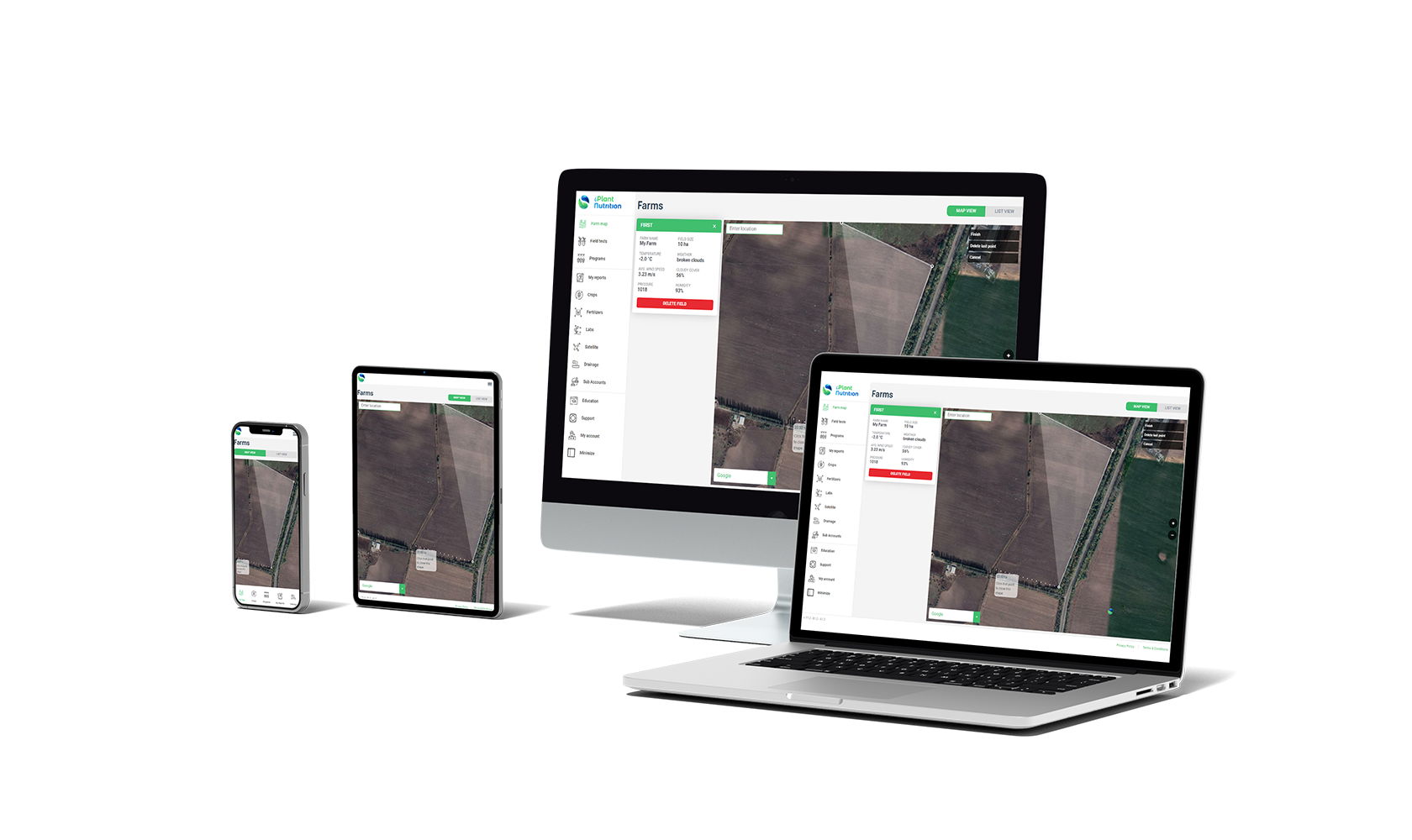 Location & Weather API
Identify Your
Location & Weather API
Identify YourField on a Map
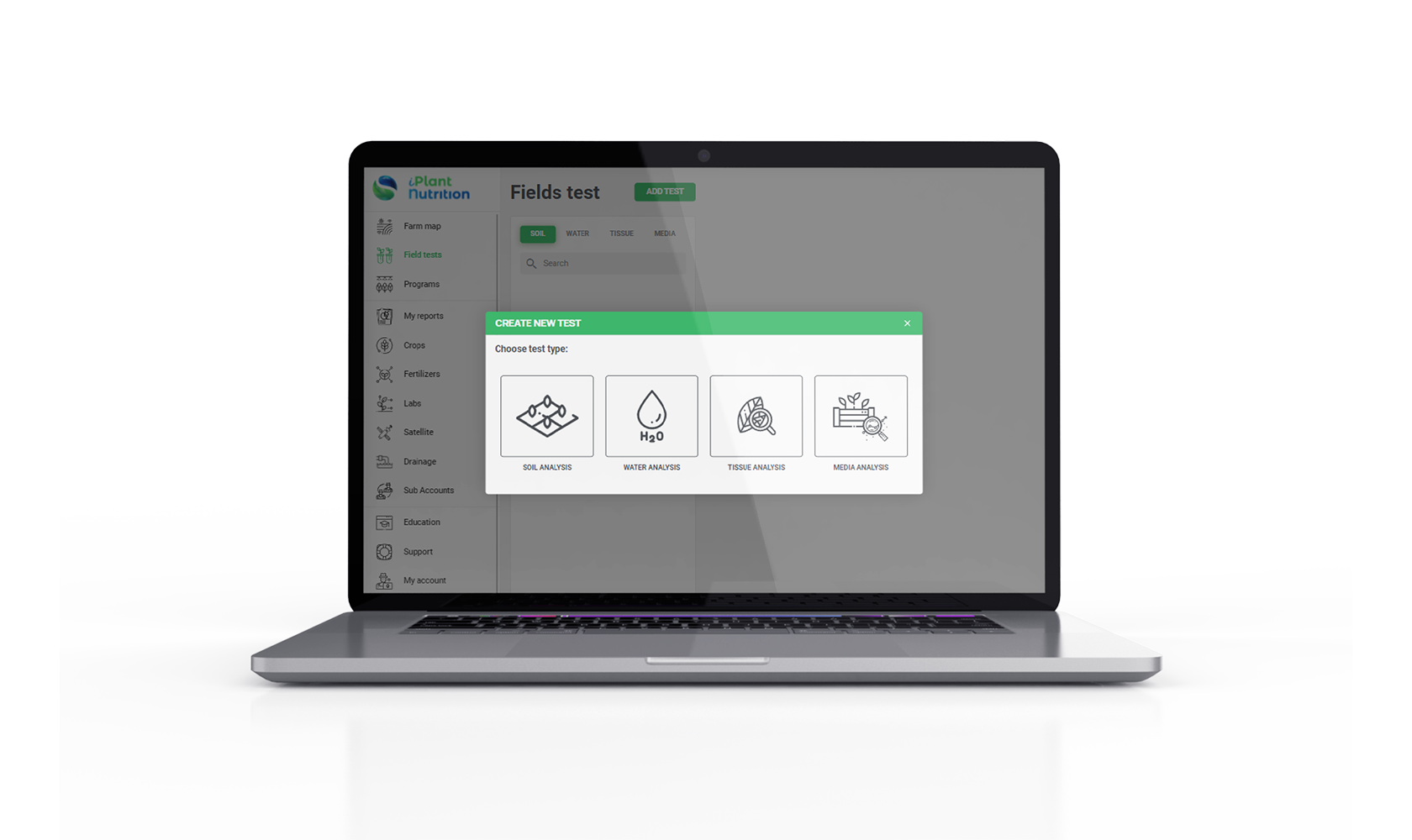 Nutrients Calculation
Upload Tests
Nutrients Calculation
Upload TestsFrom Your Field
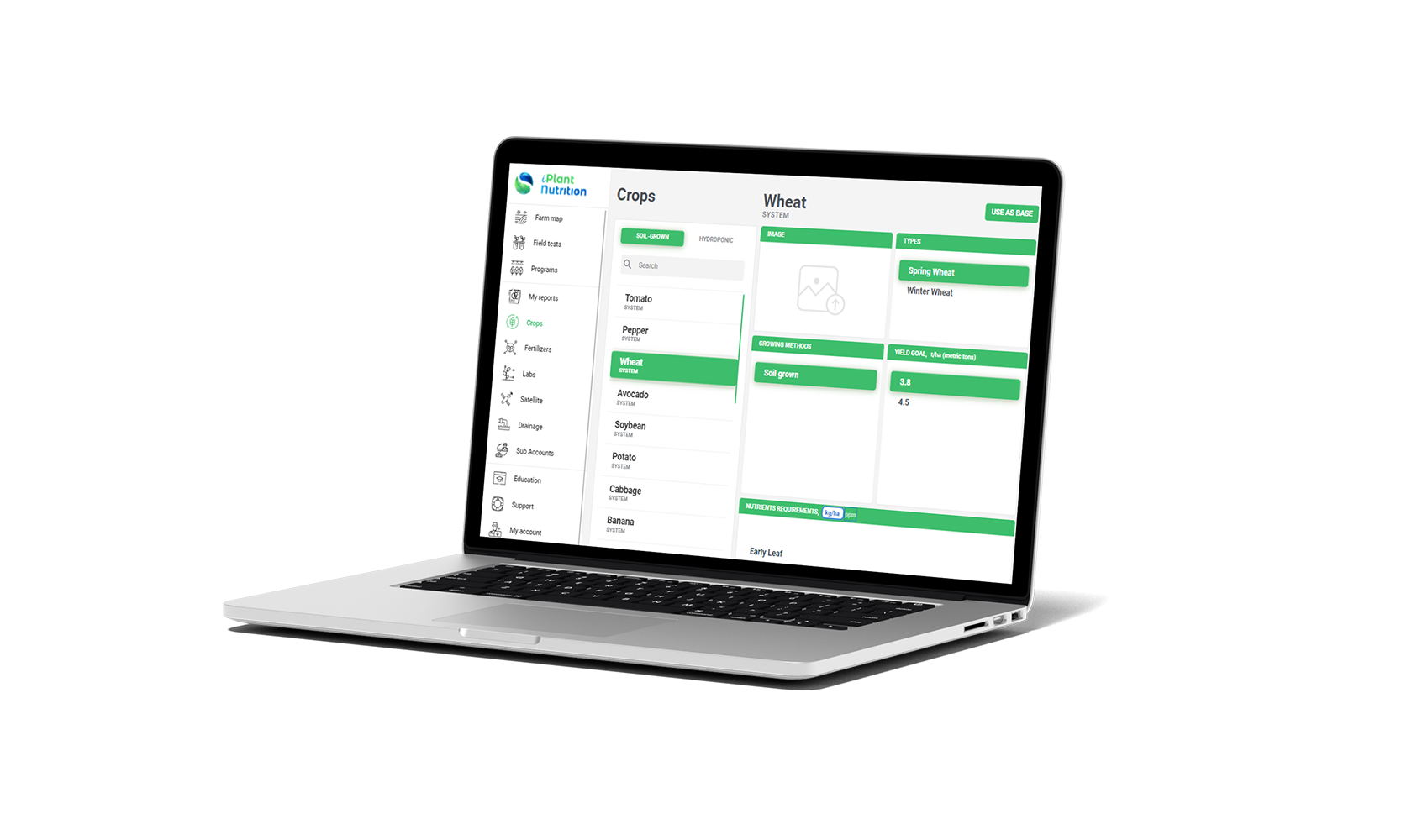 More Than 250 Crops
Choose Crop
More Than 250 Crops
Choose CropThat You Grow
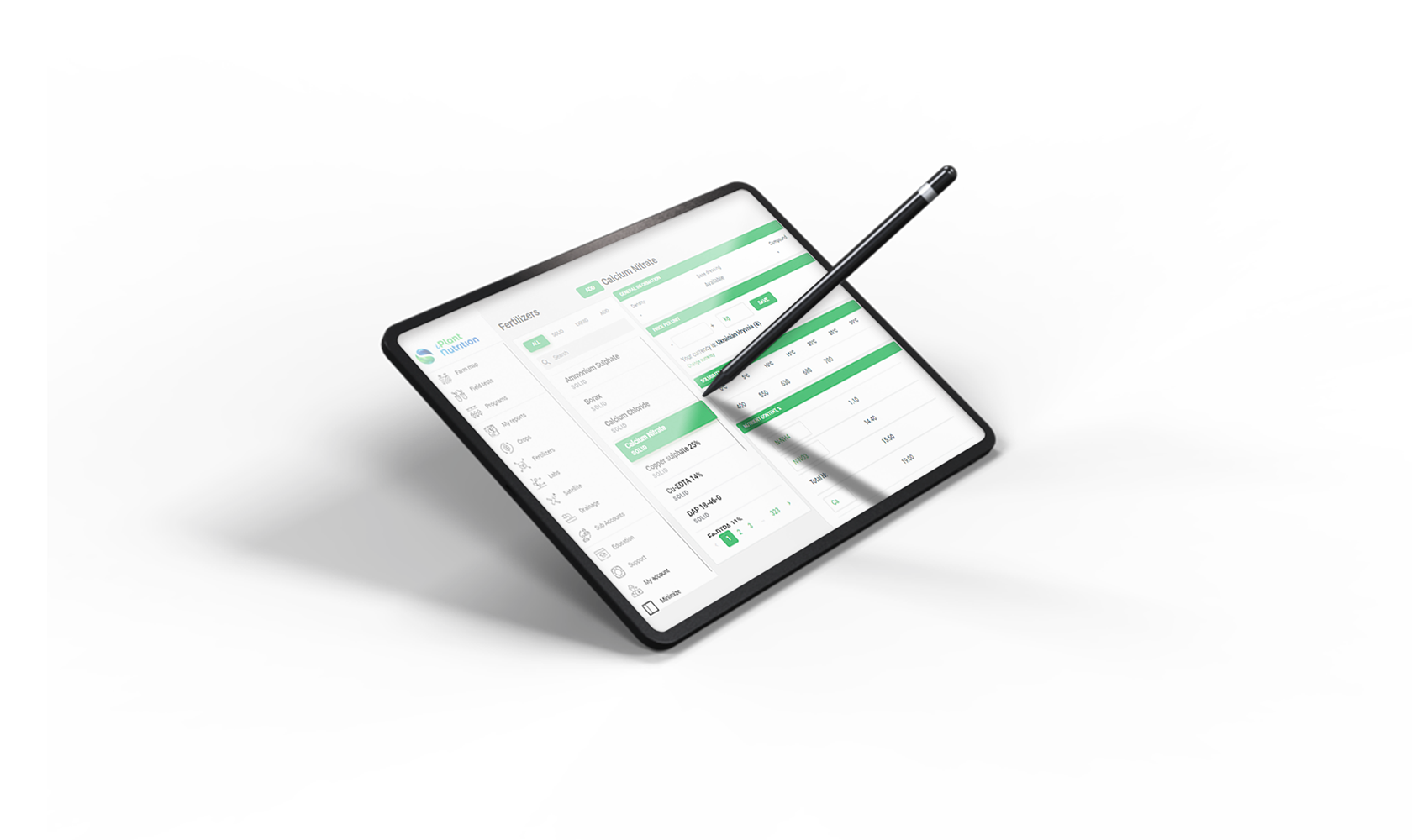 More Than 3000 Fertilizers
Select Fertilizers
More Than 3000 Fertilizers
Select Fertilizers& Cover Nutrients
 Detailed Report In PDF
Get Your Personal
Detailed Report In PDF
Get Your PersonalFertilization Plan
We support and work with the leading agritech and farming companies
and groups in the world towards achieving sustainable agriculture:

 MEMBER OF THE YELLOW BRICK GROUP



Syngenta Flowers
Global leader in sustainable
flower production with more
than 150 years of experience
in the flower market.

flower production with more
than 150 years of experience
in the flower market.
Tulima Farms
Tulima farms is a pioneer
agriculture organization in Egypt,
advocating for climate change
and sustainability.

agriculture organization in Egypt,
advocating for climate change
and sustainability.
Supplant
SupPlant is a leading company
in precision agriculture,
included in TIME's “100 best
inventions of 2021” list.
in precision agriculture,
included in TIME's “100 best
inventions of 2021” list.
JAD
JAD is the main organization
for supporting and promoting
the AGRO sector in the
Domenica Republic.

for supporting and promoting
the AGRO sector in the
Domenica Republic.
Affiliated Companies
 GroPlant
YB Capital
GroPlant
YB Capital
 I-Feeder
 YB Indoor Farm
 Plant Metrics
 YB Technologies
 Yanmar
 YB AgTech
GroPlant
YB Capital
I-Feeder
YB Indoor Farm
Plant Metrics
YB Technologies
Yanmar
YB AgTech
MEMBER OF THE YELLOW BRICK GROUP